 Y999
Y999 
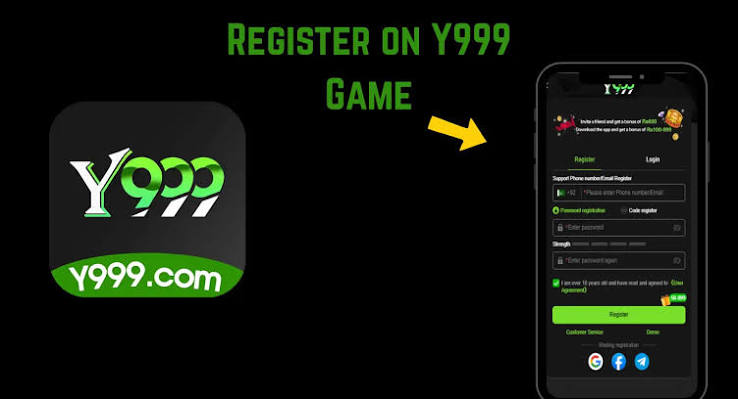

Y999 game login starts at Register if you have never bound a number. One Pakistani SIM, one password you do not reuse on EasyPaisa, one OTP. That triangle is the account. Everything after — deposit, withdraw, referral — hangs on it.
Register without creating a ghost account
- Install from y99999.pk so you are not registering inside a clone APK.
- Tap Register, not a web “Y999 game login” clone in a browser.
- Use a number you will still have next month.
- Password: mix letters and numbers. Do not use your JazzCash PIN.
- Referral code is optional. Only use one from an adult you trust.
- Submit OTP from your own SMS list.
Why people think login “failed”
They registered, then opened Guest the next day and thought the balance vanished. Or they installed a second APK that created a second empty account. Stick to one package. After Y999 game login, write nothing down in a public chat. A screenshot of the home screen is enough to prove you are in; you do not need to share the password field.
Two numbers, one person
Some users keep a JazzCash SIM and a personal SIM. Bind the number that will receive OTPs and, if the cashier requires it, match the wallet number. Mismatched names and numbers are a common withdraw delay — not a conspiracy, just a check.
Forgot password
In-app only. If SMS never arrives, check SIM signal, SMS inbox (not WhatsApp), and whether you still own that MSISDN. Related: Y999 login in Pakistan, login page.
Y999 game login lives in the APK.