 Y999
Y999 
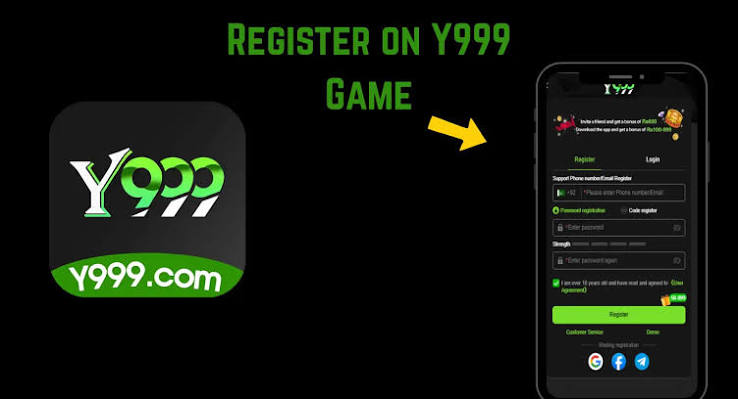


Y999 login in Pakistan is a SIM plus a password inside the app. It is not a website form that asks for your JazzCash PIN. If a page wants that PIN “to verify Y999 login,” close it.
The two sessions people confuse
Guest is a look-around mode. Chips in Guest often vanish when you clear data or reinstall. A bound Y999 login is the number you verified with OTP. Withdrawals, referrals, and restore-after-reinstall attach to that number. If you deposited on Guest, you may have created a wallet you cannot recover. Register first.
Typical Y999 login errors on Pakistani phones
- Extra space after the 03XX number
- Password saved in a keyboard with a different language layout
- Old APK that cannot talk to the current login server
- VPN on — some builds dislike foreign exit nodes
- OTP delayed on a ported number; wait, do not request five times
OTP hygiene
The SMS is for the app. WhatsApp “support” that asks you to read the code aloud is not support. JazzCash and EasyPaisa OTPs are even more sensitive. Mix those up and you are not doing Y999 login — you are handing over a wallet.
After a reinstall
Install from this hub again. Open Y999 Game. Use the same number. If Forgot Password works, you still control the SIM. If the number is dead, only in-app support can talk about recovery — and they still should not need your JazzCash PIN.
Hub page: Y999 login. Register deep-dive: login and register.
Download, then login — not the other way around.