 Y999
Y999 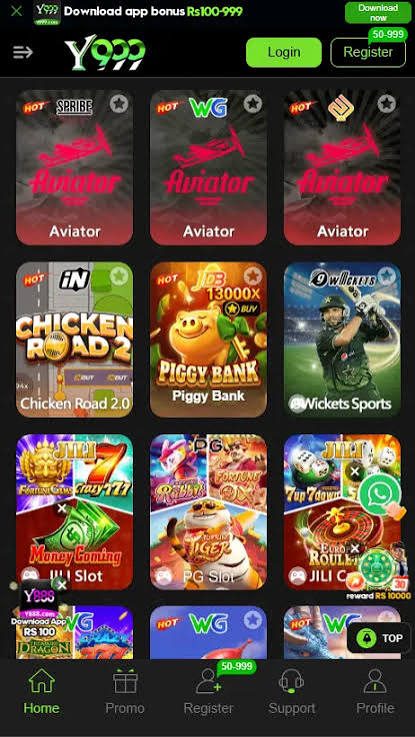
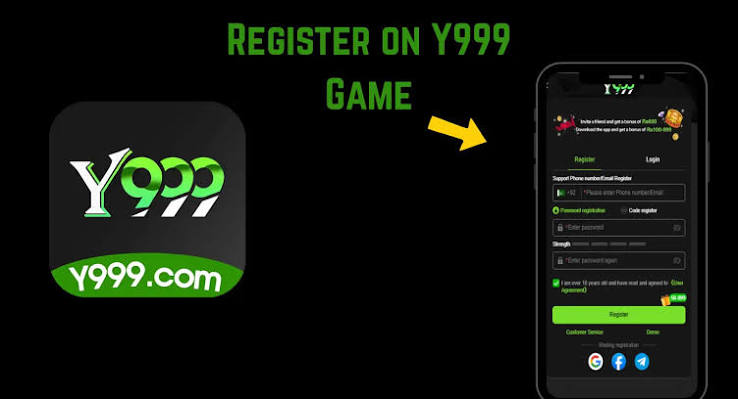

When Y999 Game is “not working,” it is usually one of four things: a truncated APK, unknown sources still off, Play Protect blocking a sideload, or a Y999 login loop on an old build. Work the list once. Do not install three copies.
App not installed
Delete incomplete files. Free 500 MB. Download once from y99999.pk on Wi-Fi. Allow Chrome under Install unknown apps. If the package conflicts with an old clone, uninstall the clone first.
Play Protect / blocked by Play Protect
Sideloaded entertainment APKs get this often. Confirm the source was this site. Then you can review the prompt. Scanning with Play Protect after install is still wise.
Black screen or instant close
Update Android System WebView and Chrome. Reboot. On low-RAM phones, close background apps. Clear cache (not data) if you already bound Y999 login. Clearing data on a Guest session is how people “lose” chips.
Login loop
Check time/date automatic. Turn VPN off. Re-download the current APK from download.txt via this hub. Password extra spaces. OTP: wait before requesting another. Guide: Y999 login.
Lobby loads, cashier does not
That can be a network or an outdated build. Switch Wi-Fi ↔ 4G once. If it persists, update the APK. Do not pay a stranger to “upgrade VIP.”
One APK. Then install steps.